

Desktop software that keeps your business running, online or off
Applications for Windows, macOS and Linux that work offline and sync with the cloud.Powerful applications for Windows, macOS and Linux that work offline, talk to your hardware and sync with the cloud.
- Runs on Windows, macOS and Linux
- Works offline and syncs when connected
- Automatic updates for every install
Desktop tools for the work that cannot wait
Point of sale and retail
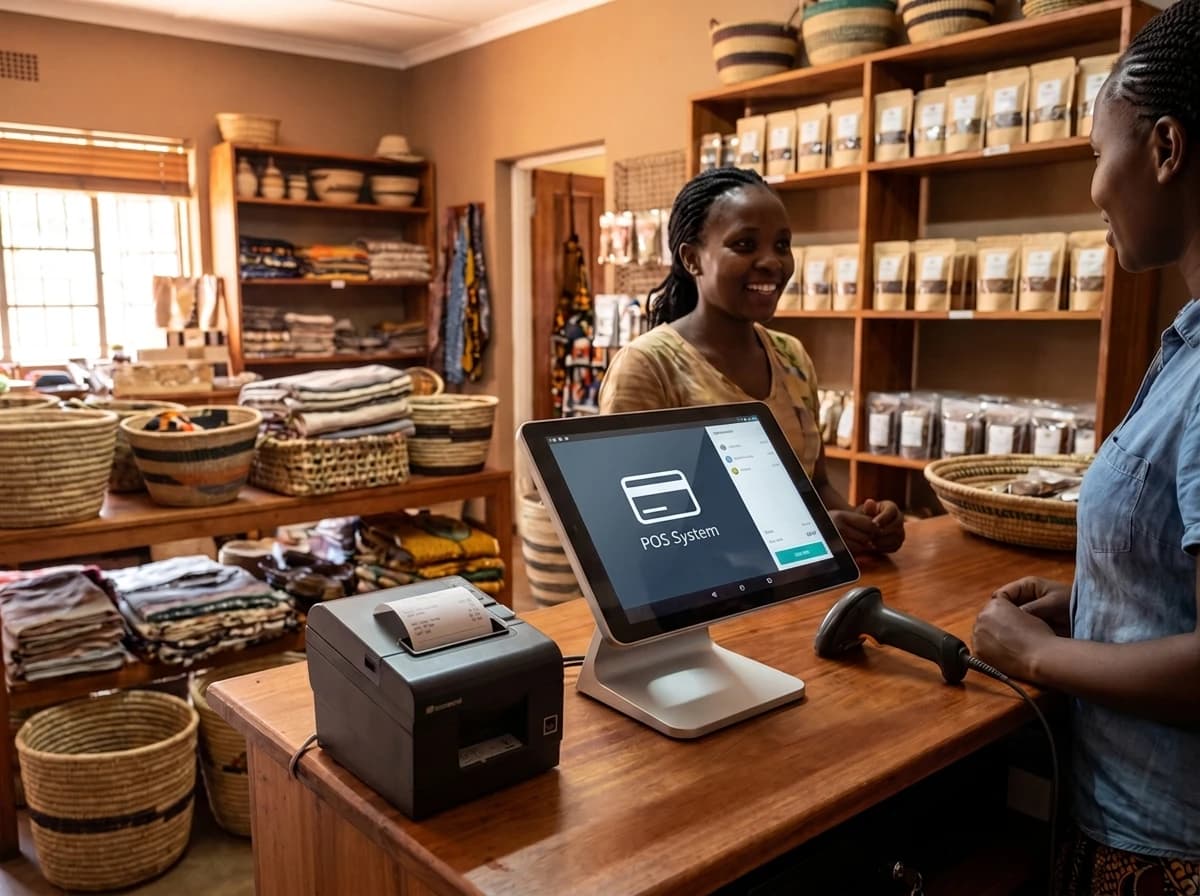
Fast checkout software that keeps selling when the internet drops, then syncs.
Back-office tools
Inventory, accounting and records software tailored to how your business runs.
Offline-first apps
Software for clinics, schools and sites with unreliable connectivity.
Hardware integrations
Connect printers, scanners, card readers and ID devices to your workflow.
Desktop versions of web apps
Package your web platform as an installable app with system notifications.
Legacy modernisation
Rebuild ageing desktop software on a modern, maintainable stack.
Reliable software for your front line
- Cross-platform buildsElectron lets one codebase ship to every operating system your team uses.
- Offline resilienceLocal storage and smart syncing so work never stops because of a bad connection.
- Secure by designEncrypted local data and role-based access for shared machines.
- Easy to roll outSigned installers and silent auto-updates across all your machines.
- Electron
- TypeScript
- React
- Node.js
- SQLite
- Windows
- macOS
- Linux
From your brief to a live product
- 01DiscoveryWe map your workflows, devices and connectivity, then fix the scope.
- 02DesignScreens built for speed, keyboard shortcuts and long working days.
- 03BuildTest builds installed on your machines after each milestone.
- 04Rollout and supportInstallers, training and ongoing updates for every location.
Questions about desktop apps
Why choose a desktop app over a web app?
Desktop apps work offline, connect directly to hardware and stay fast with large amounts of local data. We will recommend the right fit during discovery.
Which operating systems do you support?
Windows, macOS and Linux, usually from a single codebase.
Can it sync with our website or cloud system?
Yes. The app can sync securely with your web platform or cloud database whenever a connection is available.
How are updates delivered?
Through signed auto-updates, so every machine stays on the latest version without manual installs.
Need software your team can rely on every day?
Answer four quick questions. We reply within 24 hours with a personalised proposal.